QR Codes Functionality
Boost guest engagement with Triparound’s QR Codes Functionality—enable instant access to services, drive in-stay bookings, and enhance the guest experience.

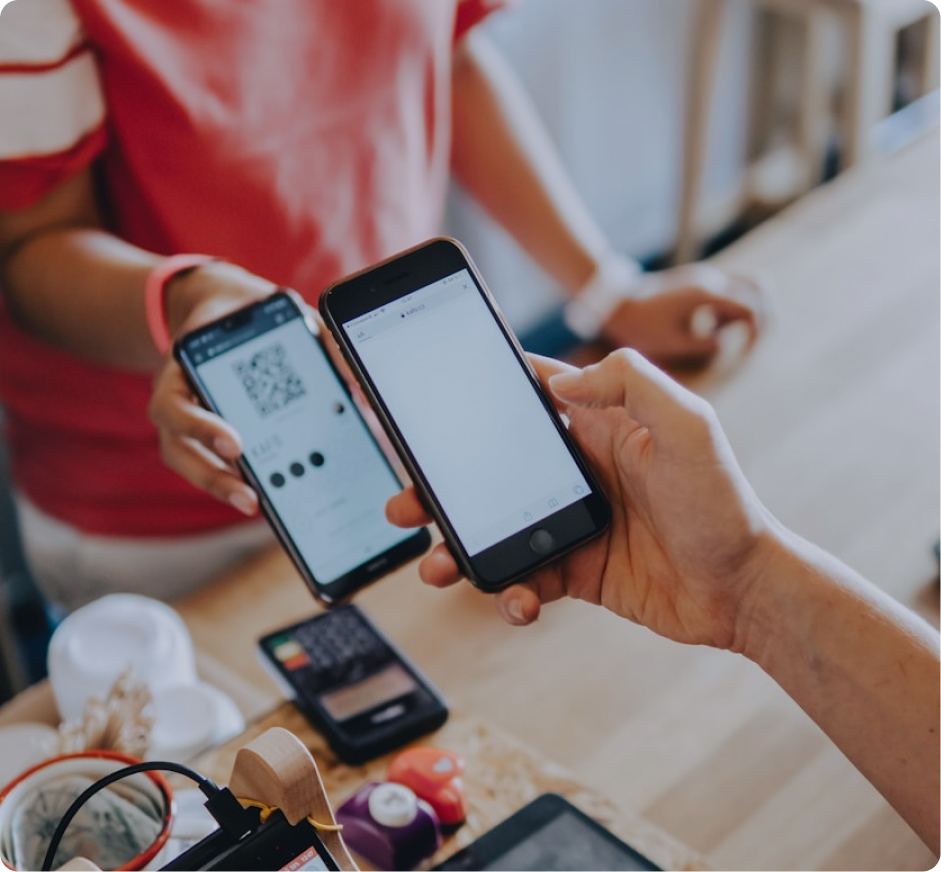
At Triparound, we are always looking for ways to empower our customers to combine tech tools, providing advanced solutions to teams and guests. Offering more touch-free options to your audience can really make a difference in promoting services and products.
The problem
It often happens that a guest will walk right past the Spa area, the Gym or Watersports activity points. Although booking a session would be a great idea, many lack the motivation to look up the hotel’s website, find the activity and scheduling availability, to ultimately book it. Another option for guests would be to go to the Front Office desk and learn more about these activities, their cost, and timetable. But let’s be honest – most guests will pass on the experience unless they have a fast and easy way to collect information before booking.
This is where Triparound steps in!
There is a simple and reliable way to enhance your guests’ vacation experience while at the same time displaying information in a concise and visually beautiful way – QR Codes. QR Codes have emerged almost as a permanent tech resource from the coronavirus pandemic onward as they support touchless transactions. With a quick code scan, people can learn everything they need about an activity, service or a product. The QR Code can be incorporated on any promotional material online, such as your website, or offline on brochures, flyers, banners, stickers etc. In this way you can enhance the overall experience and optimize the effectiveness of the booking process.
How it works:
Reach your target audience in the offline world and connect them directly to your digital platforms. The QR code can be incorporated on any promotional material (brochures, flyers, banners, leaflets, etc.), enhancing the experiences offered and optimizing the effectiveness of the booking process.
How to setup and use QR codes
Create a QR code by using a QR Code Generator:
- Go to an online QR Code generator (there are plenty available for free online).
- Enter your website page URL on which your experiences are featured and therefore bookable through Triparound, or
- Alternatively, lead customers to the Triparound widget directly.
To do so, proceed as follows:
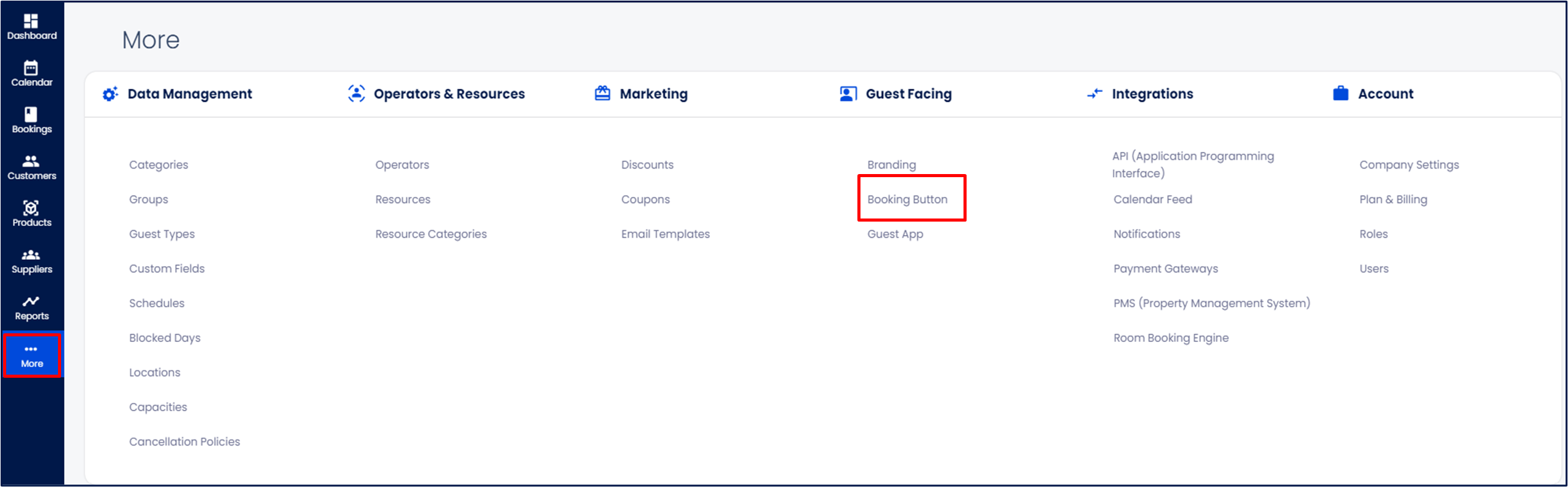
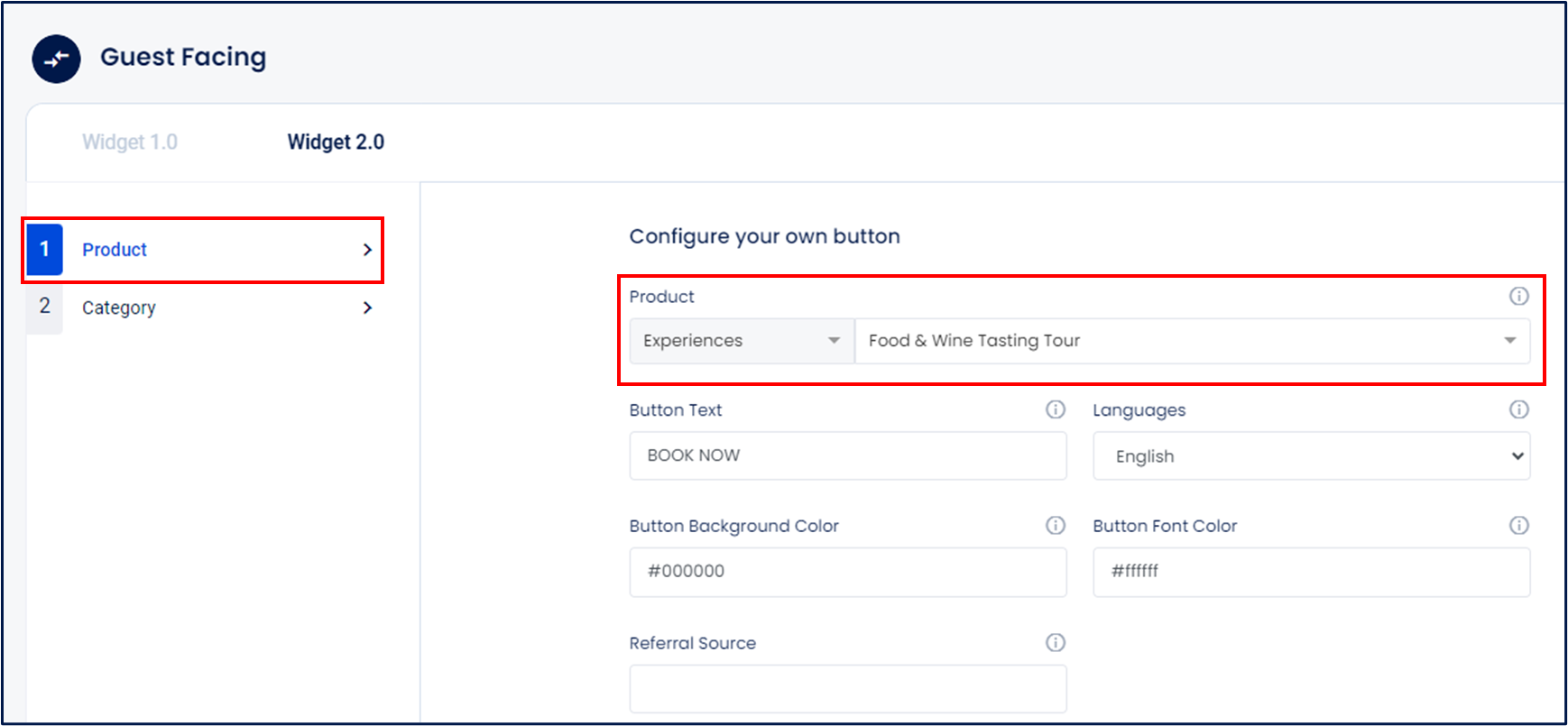
Navigate to More >Guest Facing > Booking Button
Choose your current widget version (Widget 1.0 or Widget 2.0).
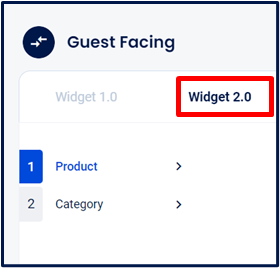
Select Product or Category you want to link to, and then select the specific Product or Category for which the QR code will be created.
From the widget options, look for: Option #2: Book button with external url and copy the URL.
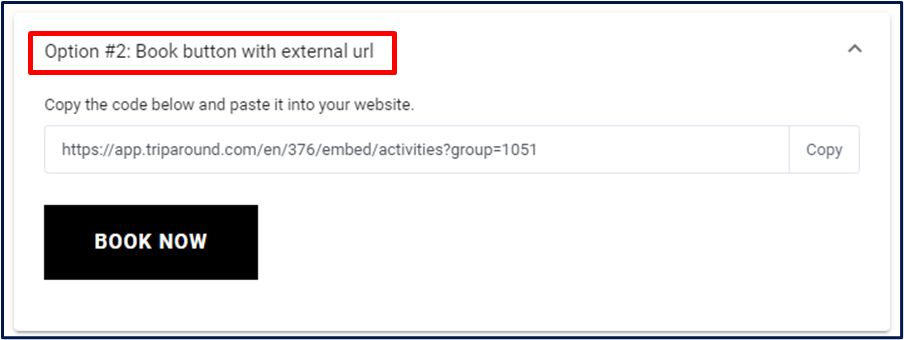
Go to the QR code generator and paste this URL. Finally, download the QR code and place it on your promotional material.
Use cases
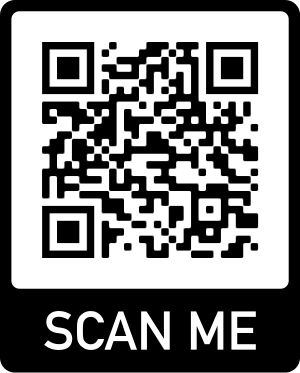
Below you can see an example of a QR Code generated for a specific Product. Customers can scan the QR code and open the link to the Schedule on their browser.
Below you can see an example of a QR Code generated for a Category. Customers can scan the QR Code and open the link to the list of activities under this Category on their browser.
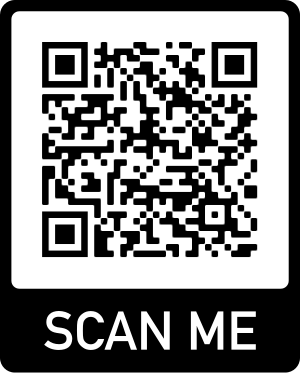
Feel free to scan the QR Codes!

.svg)